Energy consumption is an important component of so many issues. Energy consumption is a component of global warming and awareness can contribute to more thoughtful consumption or interest in a form of energy generation less dependent on fossil fuels. Energy consumption is a component of economics although for most of us the cost of the energy we consume is not a serious concern. What energy is in its various forms is a topic we learn about as part of our education. Typically, we learn about energy in a rather abstract way based on terms and formula. This is another post on the data and methods we might use to gain some insight into energy as it relates to the multiple topics I describe here.
Back in 2015, I became interested in solar energy and purchased a simple kit to be able to store electricity generated from a solar panel. The basic items of this kit are shown here with their corresponding prices as these prices are a component of how one must think about the cost of production and the items offer a concrete way to understand what is involved in a very basic method of production.
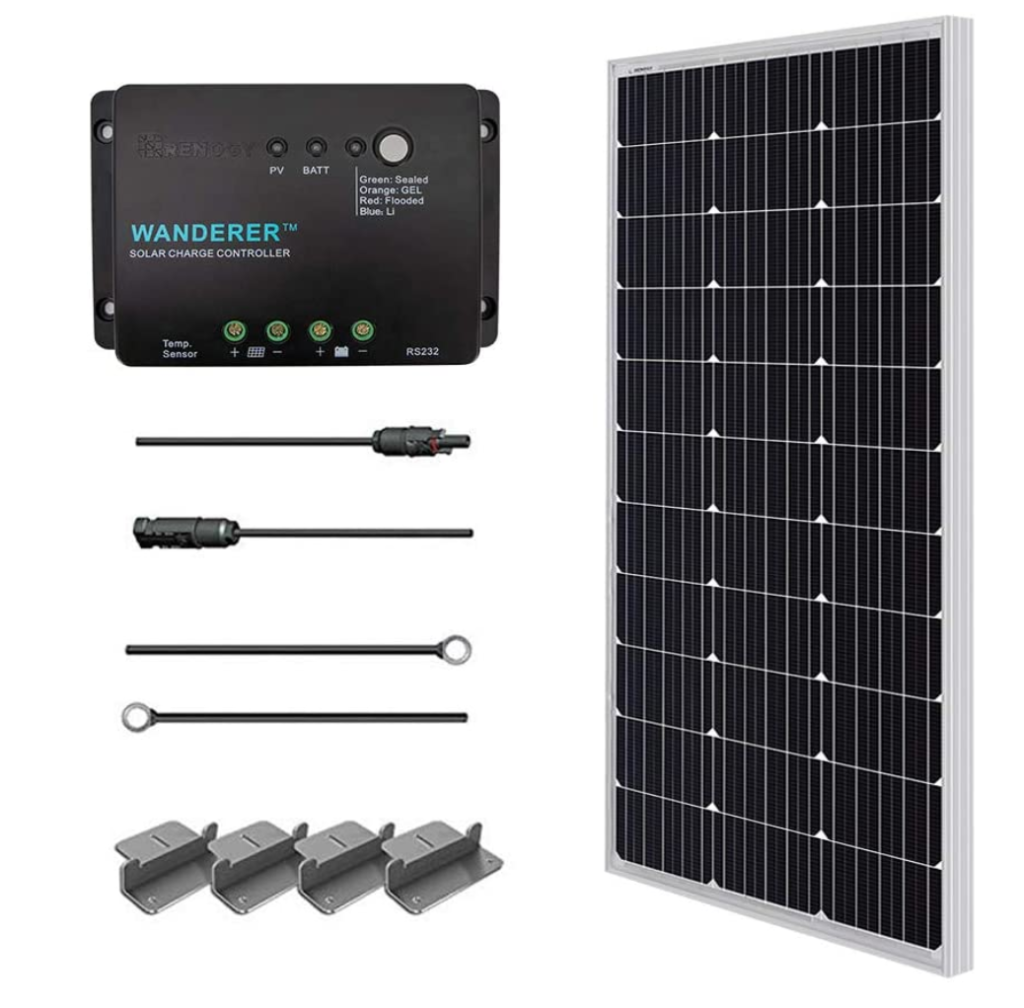
The two significant items in this kit are the 100 Watt solar panel and the charge controller. The value of this kit was $185 at the time of purchase. This 100 watt panel was supposedly capable of storing 500 watth (watt hours) per day under ideal conditions. Think of a 60 watt light bulb consuming 60 watts per hour as a way understand how much electricity it could generate. Ideal means best alignment with full sun. The charge controller protects the battery should the input of energy come too fast and should the battery reach capacity and the input need to be terminated.
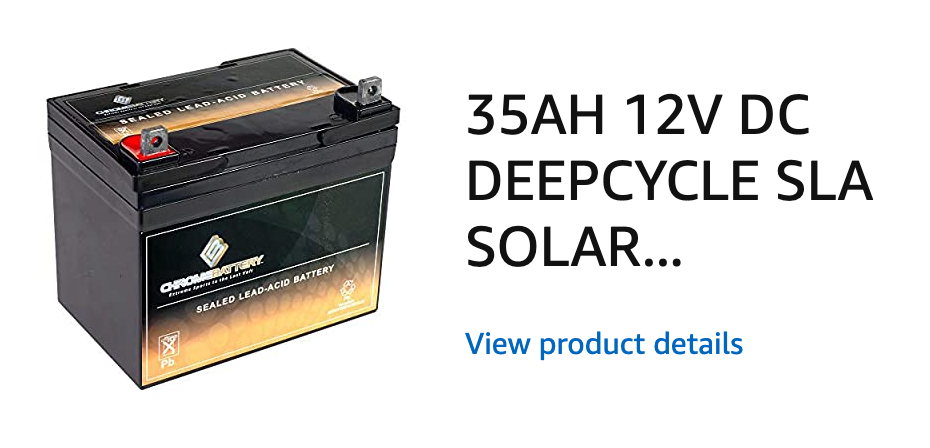
You can use power from a solar panel as it is generated, but typically the approach involves sending power from the panel to a battery and then drawing on the power from the battery as necessary. This is called a deep cycle battery and is designed to be charged and run down. There are many different ways to design batteries. A contrasting type might be designed to serve a function such as would be required in starting a car – big push, but most of the time not being drawn down. The cost of the battery was $75. If you are curious, the items described here might be the collection of resources someone would use to put together a system should they want to use a camper “off grid”.
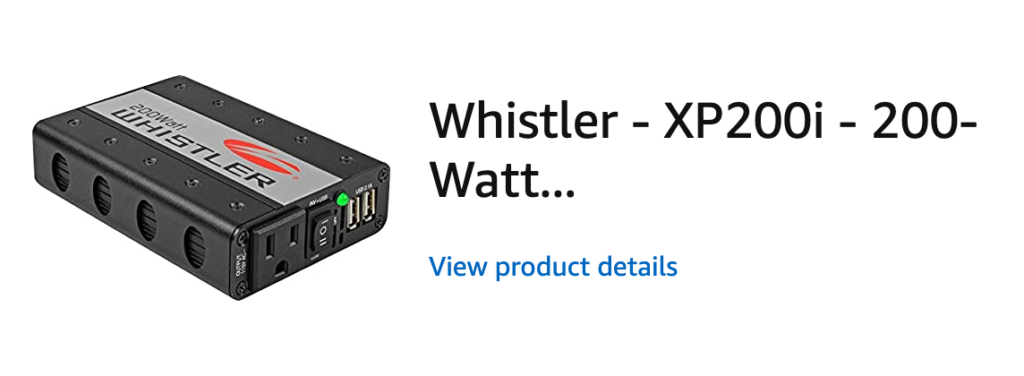
To power most electrical items we use, a 12 volt battery is not of much value. You need to convert the DC (direct current) output from a battery into AC (alternating current). The device to do this job is call an inverter. It is possible you have one in your car you might use (as a passenger) to plug your laptop in while someone else is driving. Cost of this inverter – $28.
So In 2015 I purchased this system capable of charging a battery and then powering low wattage devices for a total of $288. It was for experimenting, but I really never had a good place to use it. I set it up and knew it worked, but that was the end of the story.
Fast forward to the lock down required by the great pandemic of 2020. I am bored and need productive things to do. I decide to make use of my solar system and explore related issues.
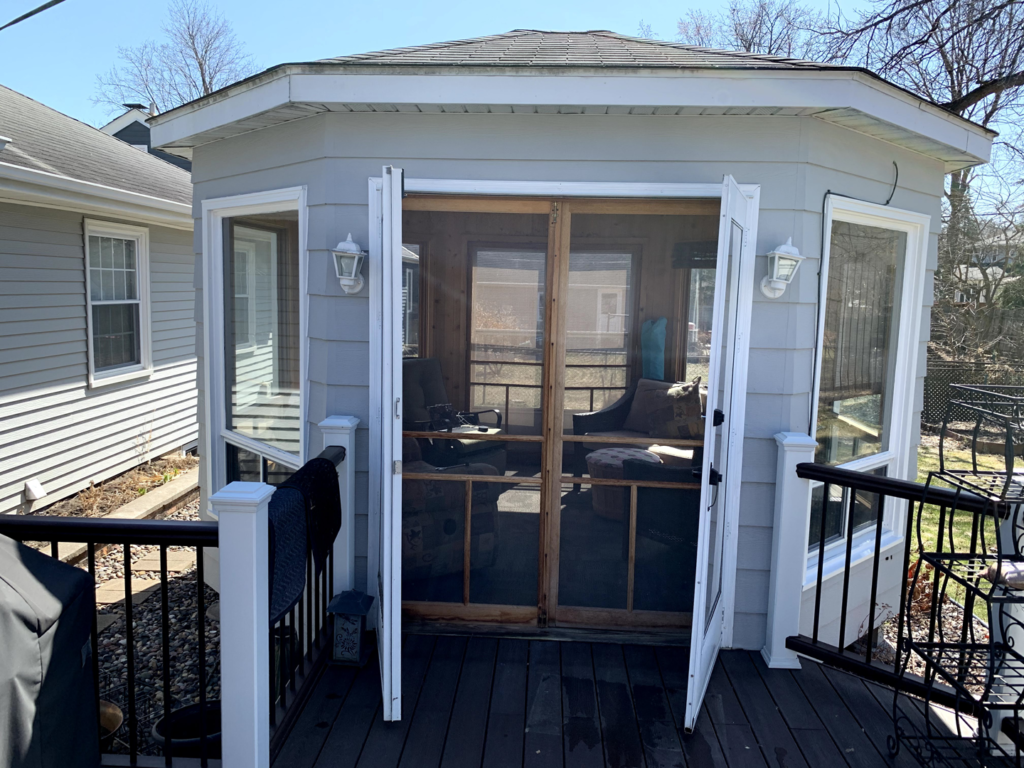
We have this gazebo in our backyard. It is a beautiful little building that is pretty much too hot to use in the summer because of all the windows and too cold to use in Minnesota winters. We are presently in early Spring and I decided given my circumstances of limited movement I would use the Gazebo as a reading/writing shack. I can usually get by without heat. I am running a space heater today because we just received about 6 inches of snow, but this is atypical. Why not explore the utility of the solar panel system?
I needed one more tool to do the type of exploring that I thought might be useful. I purchased from Amazon (delivery right to your door even during the lock down) a usage monitor. This device is plugged into an outlet (from my DC/AC converter) and it then measures the power consumed when something is plugged into it. All kinds of data – volts, amps, watts, time power is being used, kwh (consumption in kilowatts).
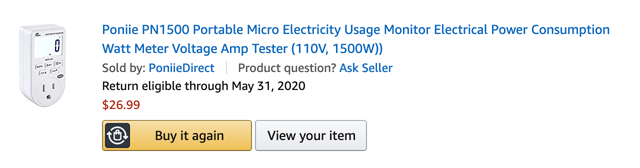
Who buys these things? I am not certain. I think the idea is you use this device to try to understand what different devices might be contributing to your electricity bill and perhaps trying to decide if you should invest in a more efficient version of something you already use if it is very inefficient. I have a completely different agenda for this device. What a great learning through authentic investigation opportunity. There are plenty of things you can measure to understand power consumption and really appreciate things like the formula – watts = amps x volts.
So, for example, if I can actually measure the three variables in this formula independently, I should be able to see if the formula really works. This device should let me do this. I am using my MacBook pro connected to my solar system through my power consumption meter. The read outs are as follows:
.28 amps
35 watts
124 volts
The values jump around constantly so there is a slight delay as I switch the monitoring device from variable to variable. You can take any two variables and plug them in to the formula watts=amps x volts to predict the third variable and you should see that things come out pretty close.
What I was really interested in was how much did I save running my solar system while I worked in the gazebo. I can plug multiple devices into my solar system, but the monitoring device only allows me to measure the power used by one at a time. I ran multiple devices through the system during the week – mostly my laptop, but also my iPad and my Echo (for music).
My idea was to use the rate provided by more power company to see how much money I had saved.
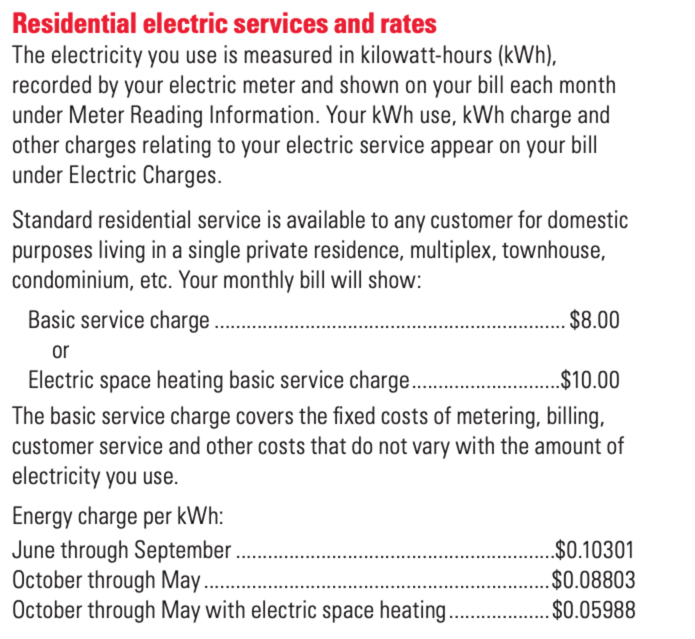
So, the following two values were generated by my monitoring device.
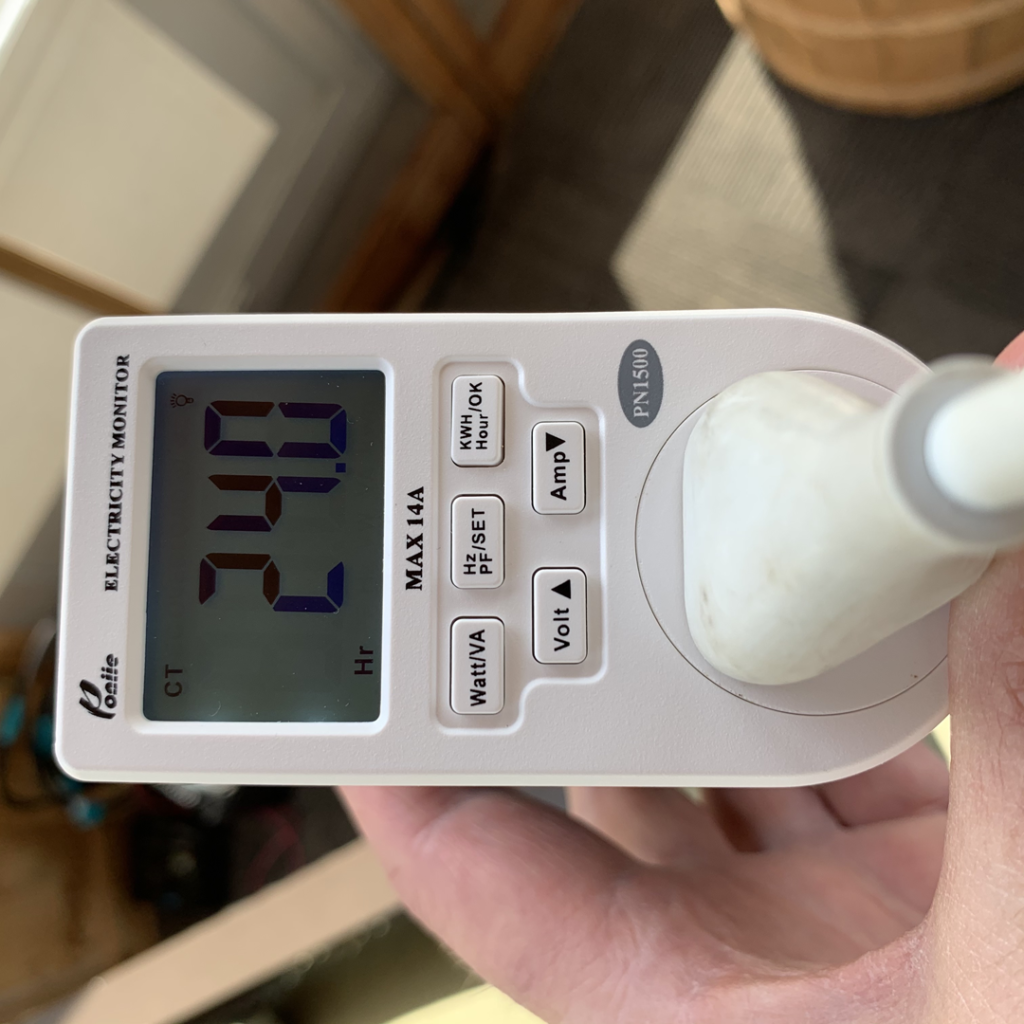
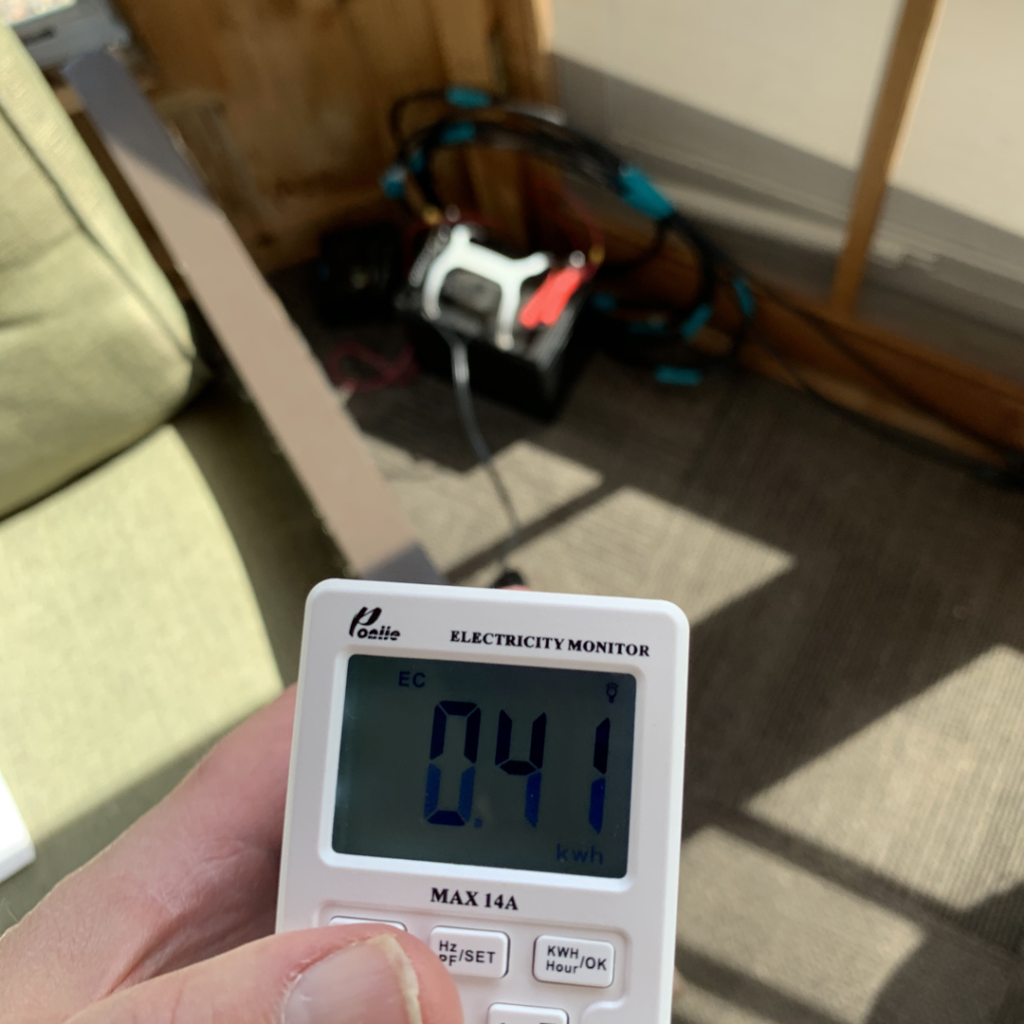
So, in the past week, I spent 24 hours plugged into the solar system in my gazebo. Curiously, the hours came out to exactly a day. I used .41 kilowatts of electricity during that time. .41 x .088 equals about 4 cents. Given my up front cost was $288, four cents does not seem like much.
I found a site that allows you to estimate the cost to use different devices and a laptop was among the devices included. This site used 60 watts as the power consumption of a laptop (I measured my laptop at 35 watts an hour or so ago). My laptop was not doing anything other than powering the screen at the time. I have not compared the load when say I was watching on online video or something that would place a load on the machine. If I use the value from the site instead of my actual total and assume that the ipad and Echo would draw the same as my laptop, I now estimate my cost savings would have been about 16 cents. This result seems very different and I am going to have to collect some more data and do a better job of controlling the variable I ignored (the load required for the different devices) to see if I can come up with something closer to what the online site suggested.
So, this is real research and it is messy. This is why research invests so much time in replication and careful methodology. Perhaps my case for educational applications would have been more persuasive had I not shared my actual data and the confusion these data have generated. Still, I decided this would be the wrong message. I conducted research and published scientific papers for a living (having nothing to do with electricity or solar energy) and I decided no, the messiness of science is part of the experience. I am trying to make the case for learning about data collection, methodology, and analysis as important educational goals. The messiness and the confusion caused by different ways of operationalizing questions and interpreting data are part of the process. I decided this is real science and this is what students need to experience in appreciating the process.
Educators, the power consumption meter was $26. What real questions about power and power consumption could your students ask and answer with this device.
I have taken considerable liberty in describing the mathematics, physics, and engineering involved in collecting, storing, and using energy captured from the sun. The simple system I have described could be constructed using a wide variety of alternatives for each of the devices and these devices interact in complex ways to influence efficiency and longevity. In addition, systems that use multiple panels, multiple batteries, and connecting solar systems to the existing electrical grid add complexity that could be considered. A reasonable source should you be interested in these issues – Build your own low-budget solar system.



You must be logged in to post a comment.