A little science to inform video presentations

Richard Mayer has long applied the careful rigor of experimental design to the study of multimedia instructional variables. Some of his recent research has centered on video presentation and seems well suited to informing the presentation component of online instruction. Mayer and colleagues have pulled together several specific tactics that should be helpful.

online video
  1. Dynamic drawing effect

This suggestion is focused on situations in which an instructor is demonstrating a procedure. The easiest example is probably the solution to a math problem. The research contrasts approaches in which the instructor draws on a whiteboard while explaining vs. instructor points to drawing completed before explanation. Mayer’s analysis of the research indicates it is more productive to display the process step by step rather than display the entire series of steps and then explain the entire process. I would be tempted to propose that this might also inform the display of bullet points in a PowerPoint-type presentation, but some other interesting research suggests this is different. This related research shows the instructor as he/she works through a problem, shows the instructor’s hand as the problem is solved, or reveals the steps only. It appears that the hand vs. no hand difference is meaningful and Mayer uses this difference to criticize the Sal Kahn style videos.

Watching the content unfold is important, but it also seems that the connection to the human is important.

2. Gaze guidance principle

The gaze guidance principle concerns the visibility of the focus of the instructor’s attention – on the audience, on the content, or switching between. Mayer summarizes the research to conclude that visible switching is important. Thinking about the way I taught in a large lecture situation, this would argue I did it wrong. I faced the students with large projected displays appearing behind me. I would see the content of the display on the computer screen in front of me, but students would not see me switch my gaze because I did not have to do this.

3. Generativity principle

This one does not surprise me. Video presentations should be accompanied by student actions – taking notes, writing summaries, attempts to duplicate an action that has been demonstrated.

4. Perspective principle

Imagine a cooking show or a demonstration of a similar type that might be generated by the instructor. Where is the best location for the camera – over the shoulder of the presenter (first person) or facing the instructor (third person). It appears that the over the shoulder shot is most effective.

I would describe Mayer’s approach as atheoretical. He starts with the examination of a logical and scientifically careful comparison of two alternatives. Determines if the alternatives produce reliable differences in learning. If so, he then tries to propose a theoretical model to explain the outcome. I tend to think in terms of cognitive explanations and motivational explanations. Mayer seems to identify what might be described as a social explanation for some of these principles which might have cognitive or motivational benefits. 

A focus on data-based practice is widely proposed as the ideal way to select instructional strategies. Instructional tactics have been studied greater detail than most educators likely realize. The environment necessary to establish significant differences in impact must be controlled carefully to eliminate alternative suggestions in this research. The transition from such research to the messiness and variability of the classroom can be problematic. For example, whatever content is used as the focus on learning experiences and how understanding, retention, and application of this learning creates a complexity of application that is probably impossible to understand completely. Even if an advantage of method A over method B can be established, it is not clear if a continuous diet of method A would lose its advantage for what would commonly be described as boredom (a motivational construct). Still, it would seem valuable to identify specific practices that work in controlled settings and at least emphasize these tactics in practice.

Mayer, R. E., Fiorella, L., & Stull, A. (2020). Five ways to increase the effectiveness of instructional video. Educational Technology Research and Development, 1-16.

Loading

Google Jamboard

Google Jamboard is an online, interactive whiteboard available from Google and integrated with other Google services (i.e., Drive). My tutorial explains the basics of use and offers some general ideas for classroom (online) use. I would suggest you click on the video and watch it in a larger size.

Educators have developed creative ways to use this service. If you find my tutorial helpful, search for Jamboard and you should be able to locate plenty of ideas.

Loading

Designing Instruction Using Layering Services

I have been writing about layering services for several years. Layering is my effort to create a general umbrella for multiple services that allow an educator/designer to add elements to existing content with the goal of improving learner understanding and retention. The existing content could be a web page, a video (youtube video), a pdf, or a graphic. The elements could include such things as highlights, notes, arrows, questions, and discussion prompts. While what I write tends to be aimed at educators, these services can also be applied by learners. We are all learners and probably are familiar with highlighting and annotating. Layering expands such additions.

I see layering as a way to think about the design of improved flipped classroom video, online learning and studying, digital literacy and content evaluation, and efforts by educators to make greater use of noncommercial content in place of textbooks.

As I have explored more and more services and as more services have been created over the past several years. I have begun categorizing these services. My existing system appears below. I am most interested in Category 1 because this group of services and content would take advantage of the use of existing online web pages and videos in a way that I see as fair to the content creators (preserving copyright and income opportunities) and a way to develop skills relevant to the use of online content outside of the classroom (digital literacy).

Category 1two servers/independent content. My focus in the original edition of this book was focused on this category of content. Examples of this category involve a real time combination of content from a source with added elements layered on this content from a second server. The combination is created when requested in contrast to a stored combination of a source modified in some way. I think the difference I am describing here is important as it addresses a copyright issue and what might be concerns of the authors of the original content. The content creators may intend that their content contain ads or record hits associated with the original web site as a source of income. Content that is captured in some way and then modified to be provided from a different server would not address these concerns. So, in this approach, a request to the server providing the layering service sends a request to the server providing the original content and then adds elements on this content before sending the composite to the learner. The original content creator is credited with hits on the original server and any compensation related to clicks on embedded ads. The layering service may be free or may require payment for the addition of layered elements and other capabilities. Examples of this type of service include: Hypothes.is, InsertLearning, Scrible.

Category 2One server, independent purchased content. This category of service provides the opportunity for layering elements and possibly collecting and using information generated by these layered elements making use of commercial content provided by an independent source. As the eventual user, you don’t purchase the original content because the layering service collects the money and then compensates the source. It would be possible to purchase the original content, but then not have access to layering capabilities. The examples I have in mind typically involve digital textbooks. Examples of these layering services include: Glose, Perusall, Kindle/Diigo. I list Kindle in combination with Diigo because many are familiar with Kindle books, but the highlighting and annotating capabilities of a Kindle book can be extended using the capability of Diigo to offload the layered content, organize this content using an outliner, and share this content with others. 

Category 3One company offering both a layering capability and content. In this example, a company that provides digital content and  includes layering capabilities that can be used with this content. An example would be Newsela

Category 4User can upload content to a service providing layering and collaboration capabilities. Examples include Google docs, Edji, Kami, PlayPosit.

Layering Primer

I have written a Primer explaining how layering services can be used to modify existing online content to be more appropriate as an instructional resource. The Primer reviews the elements most commonly available in these services and how they can be applied most productively by both educator and learner. The Primer also includes tutorials for two services appropriate for web pages and two services appropriate for online video. Both paid and free services are considered.

Reviewing this blog for earlier posts tagged with layer identifies a few services should you be interested in descriptions of several other services.

Loading

Help Cue

Exploring social media I happened across this post describing a service called ClassroomQ. The idea makes a great deal of sense for the time we are in and the challenges educators must address. The idea is simple, but meets an obvious need. ClassroomQ provides students, say students in a hybrid every other day approach to reduce face to face class size, a way to get the attention of teachers when the students are working at home. The service adds a button that the students click and the service adds the student’s name to a cue. The teacher consults this cue when time allows and the teacher then knows who has been waiting the longest to have an issue addressed.

I decided to see if I could create my own version, but I should say ClassroomQ has a free version and I don’t want to demo my version without giving credit.

I was able to produce an alternative to this service using Google Forms and Sheets. The process was straightforward. Here is a quick version of how I did it. I started in Google Sheets to create a new sheet with three identified columns – name, email, and request (column attribute needs to be set to the type of data collected – text). A menu option in Sheets allows the Sheet to generate a Form. I then opened the form to add an image (the student raising her/his hand) and to make small adjustments in appearance. This form could be made available in multiple ways. As a demonstration, I am providing it as a URL (below). The idea is that you could create a similar setup and offer the URL or an embed code to your students.

The form as displayed for the student looks like this.

The following link shows the entire form.

https://forms.gle/8o3ecfr3oVYp99nh

After the form has been created, I returned to the form and added a column of checkboxes. Adding this after the form allows something in the sheet that is not in the form. The idea is that the teacher would use this form to identify the students who have requested assistance and check off the student when the teacher has responded. Educators probably don’t need student emails so this column may not be required.

Loading

Screen record think alouds

Complex cognitive skills such as reading comprehension are an instructional challenge partly because it is difficult to explain what the learner should do when executing the desired skill. Often, learning becomes a trial and error process with someone indicating the success or failure of attempts. The method of reciprocal teaching offered a different approach. In this strategy, the teacher first applies a specific skill related to the desired general skill (comprehension) and thinks aloud while making the effort. With reading, the skills in the original approach were to 1) ask a question, 2) make a prediction, 3) identify a confusion or difficulty, and 4) summarize. The teacher would first read a paragraph and then engage in one of the skills while verbalizing. Students would then try to execute one of the subskills after reading the next paragraph.

This approach can be generalized to other skills and I have often tried to explain how I would apply the approach in a classroom setting. What always came to mind was the teacher standing in front of a group of students with a computer, projector, and white board. Show a portion of content and apply the strategy.

I recently encountered an article from the Reading Teacher with very much the same idea, but executed in a different way. This article proposed that both teachers and students could apply this general strategy, but apply the strategy by making use of a screen capture video program. The author noted that students are spending more time learning from online resources and why not use this same content to develop cognitive skills taking advantage of the opportunity to record the screen and audio while working online.

In thinking about this approach, I can think of several benefits. First, students may not be teaching in face to face settings for a while. Recording such efforts would allow teacher and students to share their efforts to execute a specific skill. Second, use of this approach might be most effectively and efficiently applied with individual students taking advantage of recorded content.

White, A. (2016). Using digital think?alouds to build comprehension of online informational texts. The reading teacher, 69(4), 421-425.

Loading

Social reading is a thing

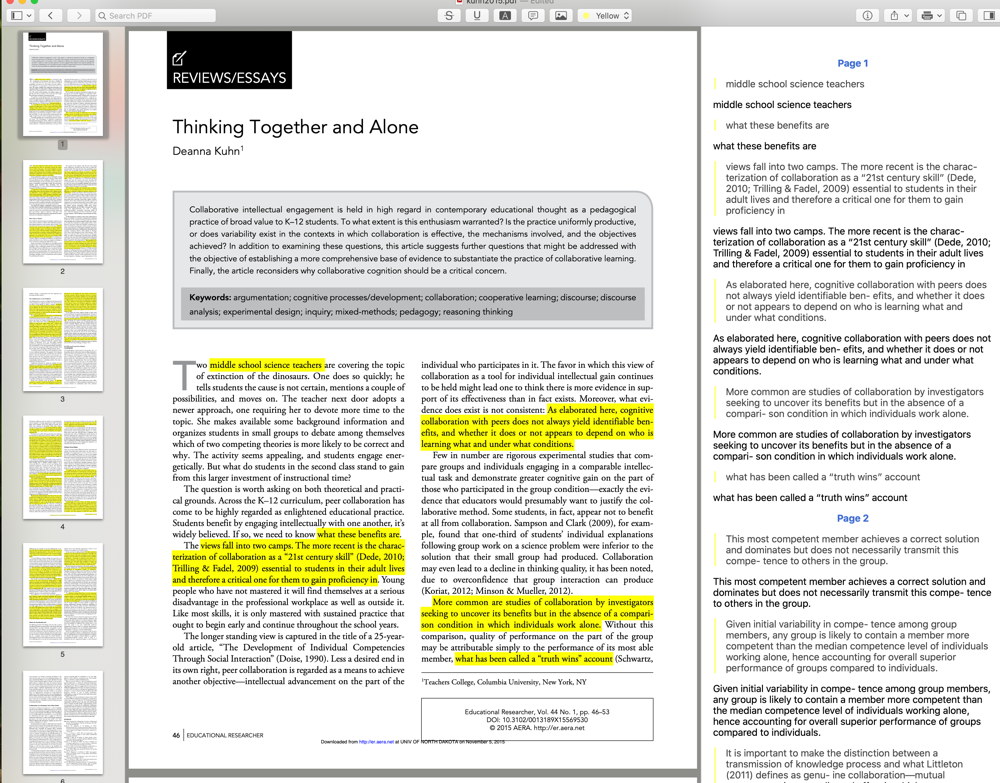
It happened again. I think I have some unique insight and after playing with this unique insight for a year or two I learn that it is not unique at all. I am working on a revision of my book on the instructional and learning opportunities of what I call “layering”. I have been focused on one implementation of layering which involves the educational repurposing of online content (web pages and video). I noticed that there were tools educators could use to design more effective learning content using such existing resources and I have been trying to identify design guidelines classroom educators can use. Then, I discover there were several companies that have found a way to apply similar techniques by working out agreements allowing learners to interact with the content developed by traditional textbook companies. Somewhere in the process of exploring these new businesses I came across the phrase “social reading” and began to consider what this concept might offer as an educational tactic. I bet most of those who read this post have not encountered this notion of social reading, but this type of awareness is what I consider my job. I should have known social reading was a thing, 

As so often seems the case, social reading has historical roots even if these roots do not involve the use of an activity as an instructional approach. Learned folks would quote favorite passages to each other. This brings to mind those who quote scripture so if passage quotation is considered an early form, social reading goes back a long way. A more recent incarnation might be book clubs and you may have participated in this social activity. Academics often engage in a related activity called journal clubs in which folks gather to discuss a recent journal article all have read. A digital version might be represented by a service such as GoodReads [https://www.goodreads.com/].

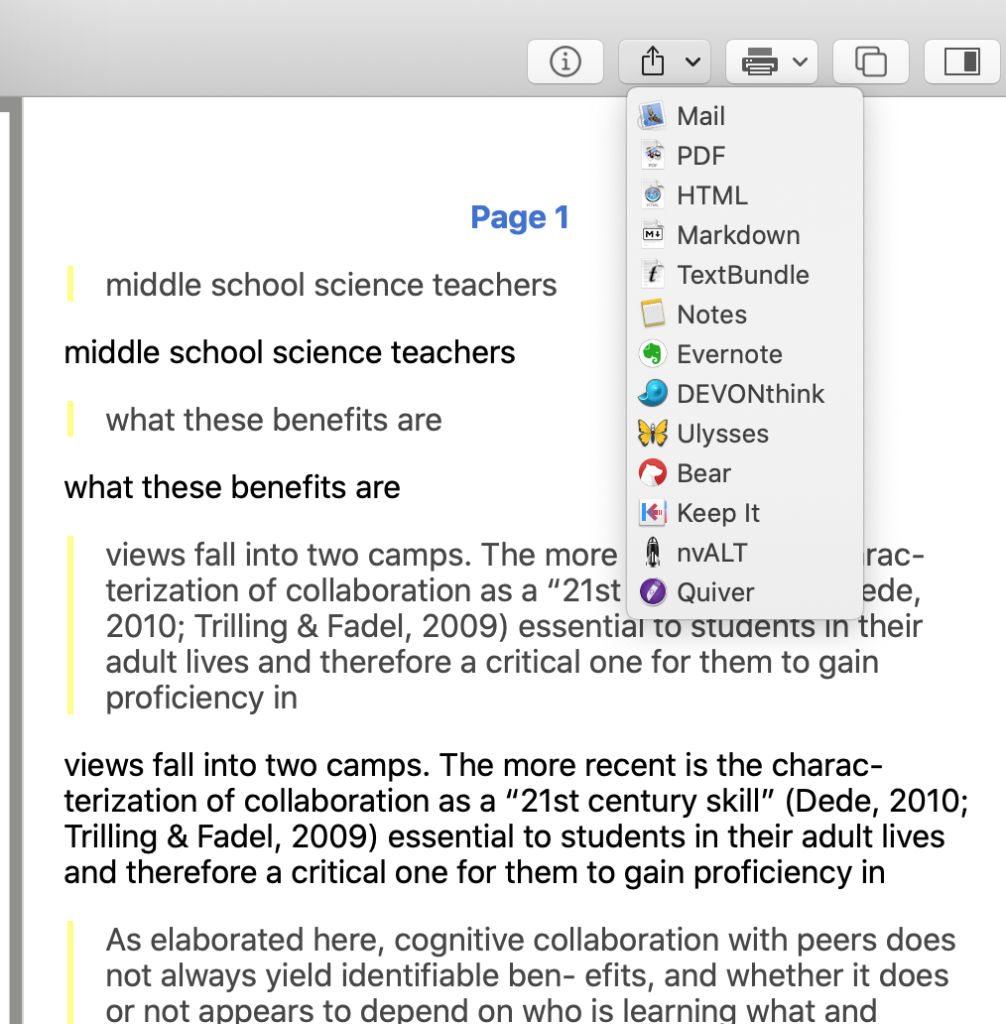
The digitization and cloud storage of digital content offers new opportunities for social reading and brings us to the type of thing I now explore. If you are a Kindle user, you may have experienced a very basic component of social reading. If you turn on the feature, the content you read may contain the highlighting (underlining) of the passages most frequently marked by earlier readers of the same book. Amazon offers this feature as a way to allow a type of communication among readers as they share what is most important or interesting. Digitization and cloud storage allow multiple capabilities for annotating and offer the opportunity for both purposeful communication among readers and the designation of just which readers should be involved in this asynchronous communication.

 This is what I think is important. Here is what else this makes me think about. It is the purposeful use of such capabilities that I think offer such great opportunities for thinking and learning – teacher to student, student to student, and student to teacher. I think such opportunities are not widely recognized so I still think my focus has value. I encountered a detailed exploration of social reading dated 2013. I include the citation at the end of this post. I always review the reference section to such works to identify research articles I might read. I found nothing directly related to educational practice. Interestingly, I also found most of the citations identified international authors rather than U.S. scholars. So, there may be some “not invented here” involved in the limited embrace of social reading among the educational authors and researchers I read. 

Social reading is a thing and there are educational opportunities in applying the capabilities of the services and tools for the purpose of developing reading skills and learning from reading. Use the layering tag associated with this post to identify earlier posts on tactics I might now describe as social reading.

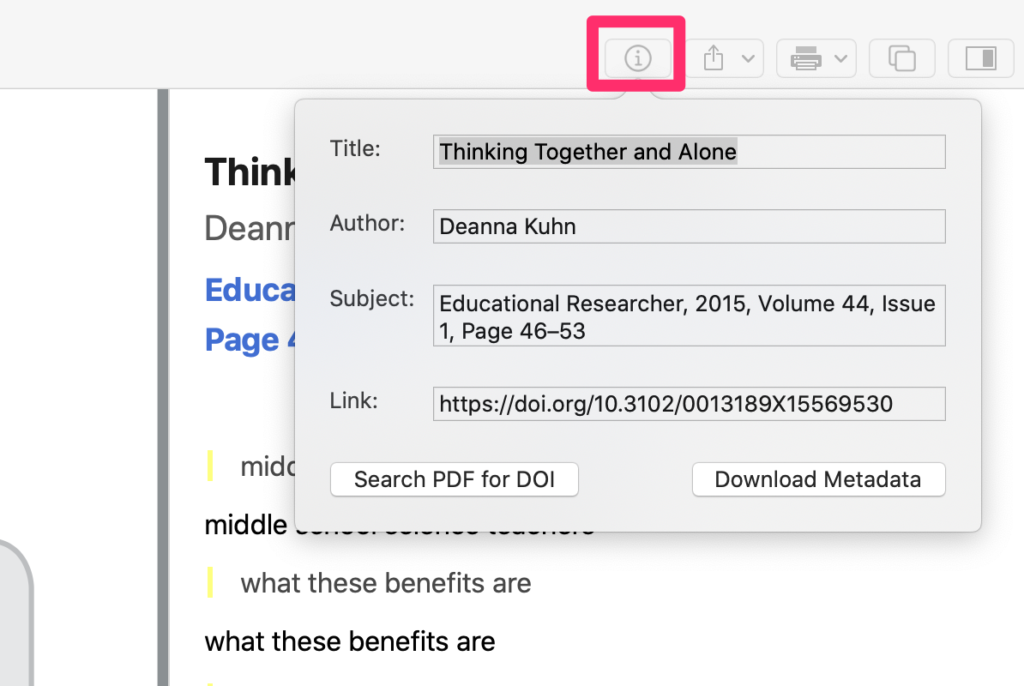
Cordón-García, J. A., Alonso-Arévalo, J., Gómez-Díaz, R., & Linder, D. (2013). Social reading: platforms, applications, clouds and tags. Elsevier.

Loading

Kahn Academy for teachers

The Kahn Academy has created a summer course for educators. The proceed at your own speed course (what else would you expect from the Kahn Academy) takes you through how the Kahn Academy works, what the teacher does, what the student sees, the principles that guide the full approach, mastery learning, and using analytics to improve instructions. The course is a combination of videos and activities.

I have been a fan since first watching Kahn’s TED talk and assigning his book (One World Schoolhouse) in a class. I was a fan of mastery learning long before Kahn had anything to do with education. As Kahn’s efforts have matured, his content and delivery system have advanced to the point of becoming a bit intimidating. This course is well worth the time if you are interested in using the system with your students.

Loading