My work has always required that I locate, read, and keep track of the content of scholarly papers – mostly journal articles. This is typical of those of us whose academic interests combine research with teaching the core ideas of a science-related field of study. My personal focus was educational psychology and, even more specifically, reading skills and study behavior. Over the years with this foundation, I became interested in the role technology could play in these same topics and most recently, including how technology can effectively be employed in the reading, processing, and application of information by independent learners (i.e, learners who guide their own learning outside of formal classroom settings).
Over the course of 50+ years, the means by which those of us with such interests have experienced many changes in how we locate, read, and keep track of the content that forms of the basis and sometimes the outlet for our work. We usually purchased the journals we could afford and perused others in our local library. We once had postcard-sized forms we used to send requests to researchers to see if they had free copies of papers they would return as a professional courtesy. When you published a paper the journal at one time would provide you 50 or so individual copies you would use to participate in this exchange. Libraries have always had limited budgets and some of the less popular journals might be purchased as microfilm or microfiche that could be used to guide personal notetaking or perhaps be connected to a coin-fed “xerox” machine. Now, there are many more journals and libraries that still have limited budgets may buy access to digital collections of journals that allow patrons to download PDFs.
A challenge then and now in this process is how one goes about finding the specific articles and chapters you would read and collect. Libraries used to subscribe to services that provided intricately organized periodicals that would attempt to label research studies. If you didn’t peruse the journals on the “just arrived” section or the shelves, you would try to use these periodicals to guess what labels had been used to identify the content you might want to find in the stacks of your library or send for. Which articles you found, you would use the “reference” section to identify related work that seemed promising. We still do this, but it only works to find documents that are older than the one you happen to be reading at the time. As technology played a more and more important role in organizing content, large databases were developed that could be searched first by matching key words and now with AI capabilities that can respond to prompts that do not have to rely on exact matches to specific words or phrases.
This bring me to my goal in this post. There are now many tools available to both academically affiliated and independent learners to find what they hope will be useful resources. Some of these tools will now go further in summarizing what is found and even attempt to apply what was found in the creation of papers for different purposes. I am most interested in the location. I want to read the documents for a variety of reasons that I think are important, but I do not intend to discuss. I also have access to a research library that allows me to download PDFs of documents so I don’t need a service that will do that for me.
So, to summarize, where this leaves me personally. I am now retired, but retain online access to library resources. I do not have an easy way to work with library personnel or the most powerful tools available if I could work directly from a library. I do not want to spend a great deal of money on what I guess I would call “search tools”, but I have spent a good deal of time exploring a variety of free or inexpensive tools. I want to share insights related to my own experiences.
Here is one issue that may not be obvious to those with access to more expensive tools or those with no reason to explore as I have. Most of the literature I am interested in is behind a paywall. Many probably have been exposed to issues related to this reality. Why can’t citizens who, in a way, pay for much of this research through their taxes, read what the research looks like and what it concludes? Who makes the money from this component of academic scholarship? The researchers don’t get paid by journals for their papers. They are expected to review submitted papers for publication to identify high-quality work without compensation. Where does the huge fees libraries pay for access to scientific journals go?
These issues aside, most search engines that scour the Internet for information that users can search for cannot typically access content protected by paywalls. My personal issue is this how can I efficiently identify useful sources to read. Others have an even greater challenge. How can those without a “faculty pass” learn what recent research has to offer?
My current approach
I currently make use of the following tools/services:
SciSpace is the only one of these options I pay a subscription service to use so the rest have a free level or do not charge for any of the services provided. Again, I only need to locate citations as I have full access to a research library and I am not under the immediate pressure of working on a thesis or dissertation.
Comments
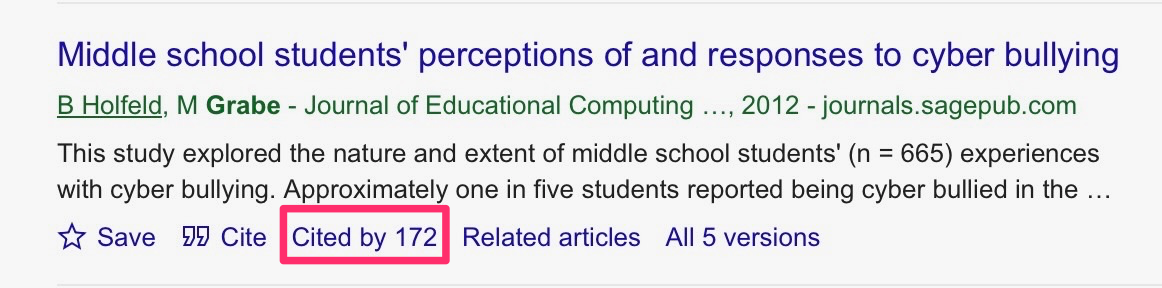
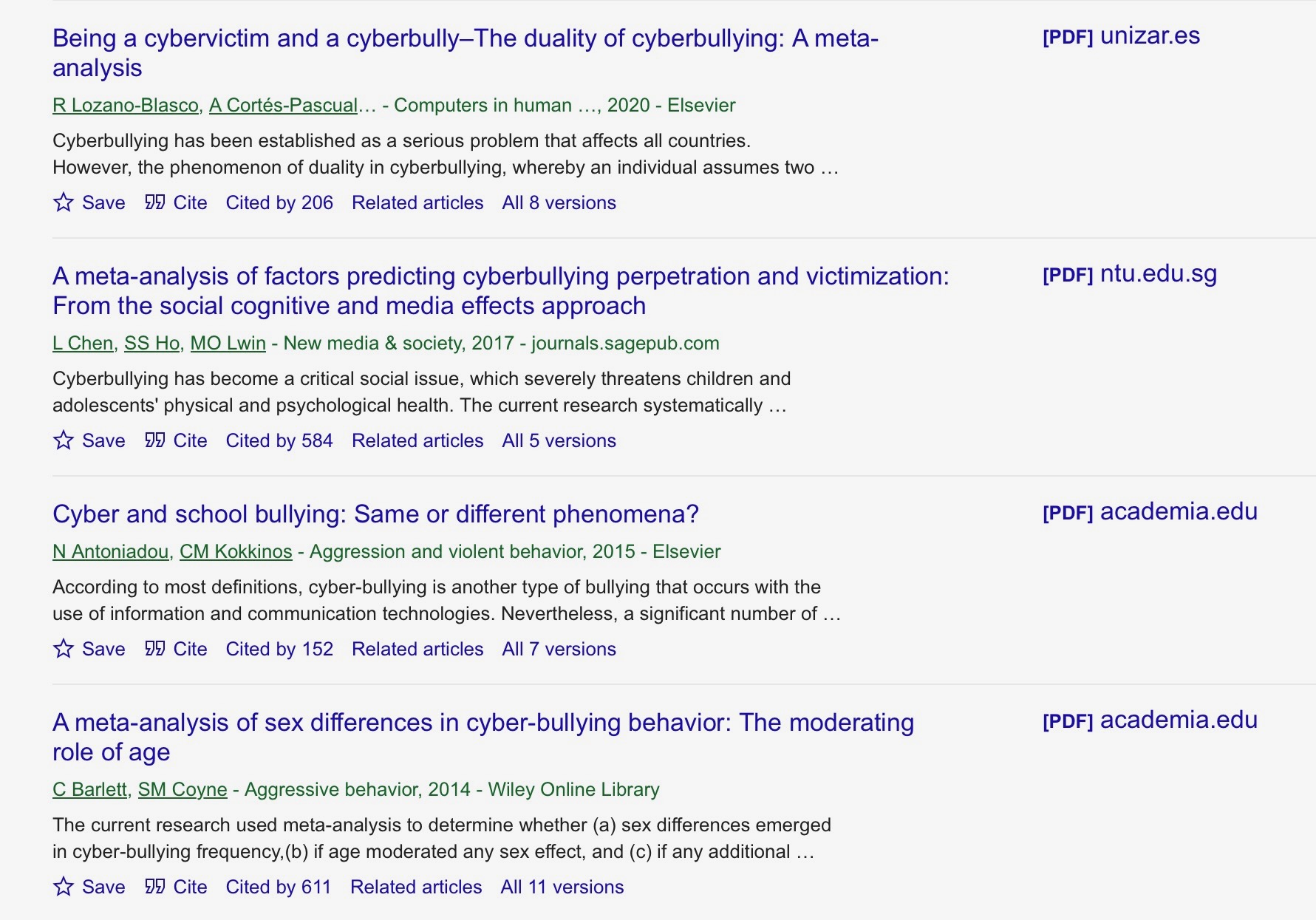
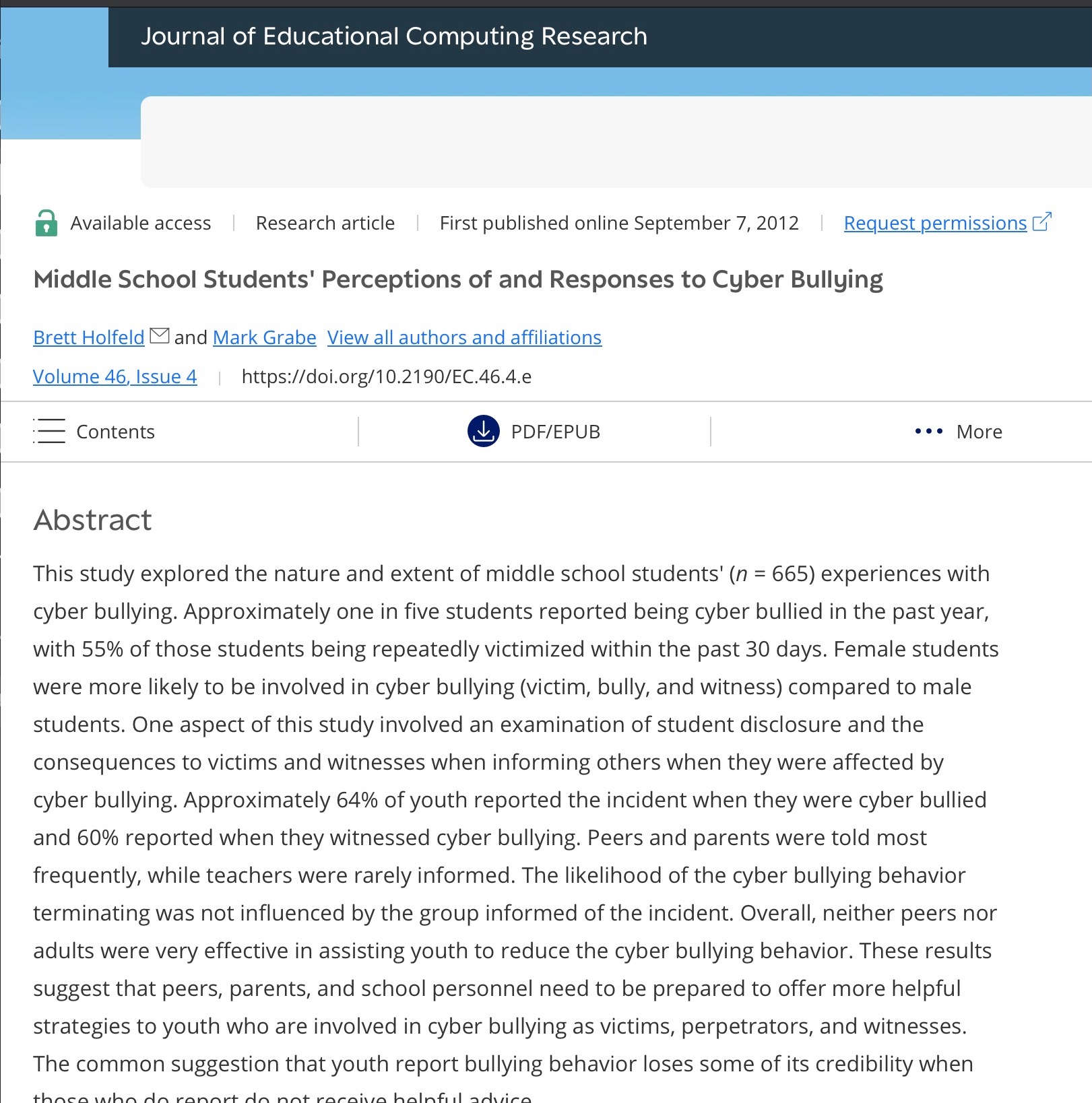
For articles behind paywalls, Google Scholar is usually my best starting point. It provides citations (sometimes incomplete in my experience). It also lists other publications that have cited the item you have targeted, which can be very useful. The citations include links to the journals in which the articles are published, which provide the full abstract and may or may not allow downloading the full article, depending on the individual journal’s policy.
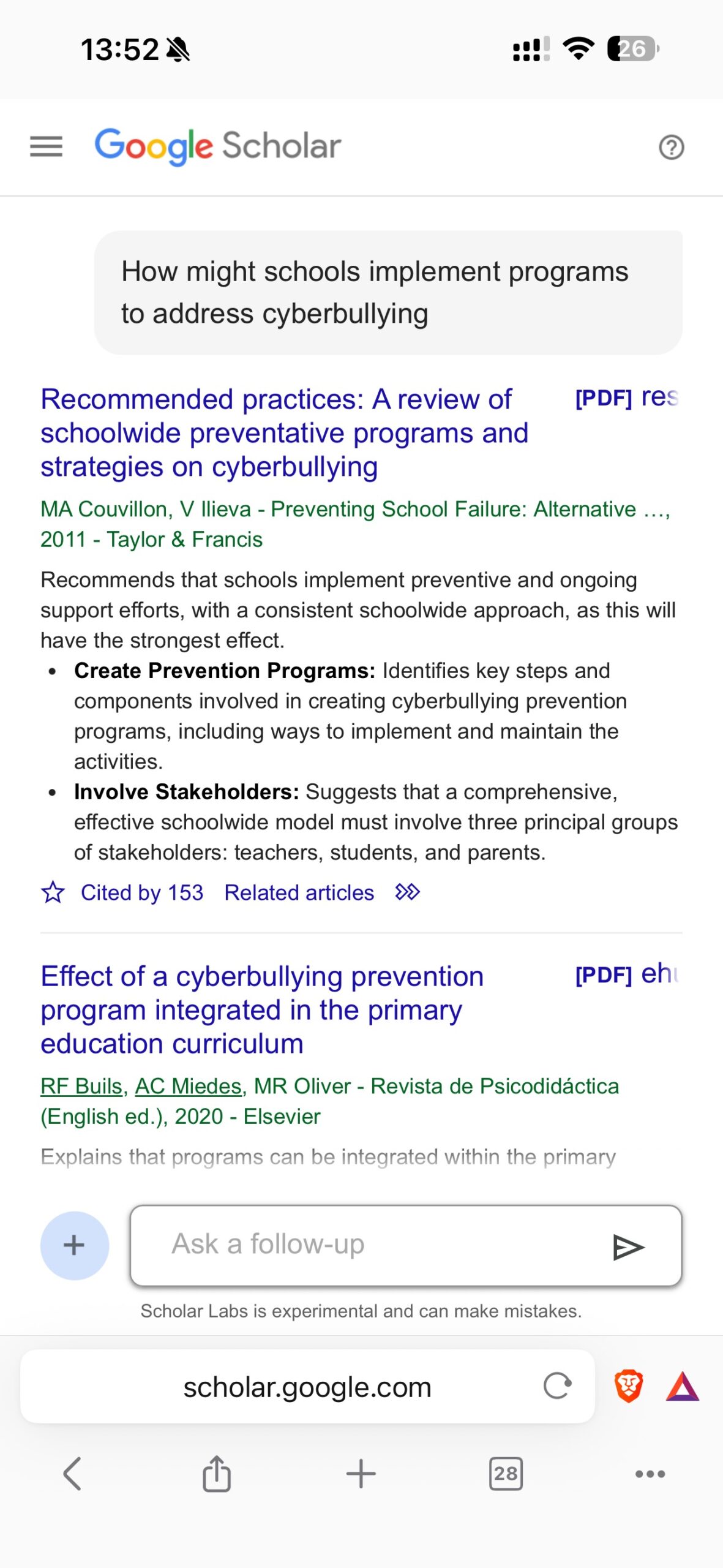
Long-time Google Scholar users who have not explored the Google Labs option for Scholar should take a look. Rather than search terms, you can ask research questions much as you would with an AI tool. This approach allows a user to identify key topics and related issues. So, to stay focused on searching for journal articles on cyberbullying, I could request articles that examine school programs to combat it. After evaluating the results, the system identifies relevant papers and explains how each paper addresses your request.
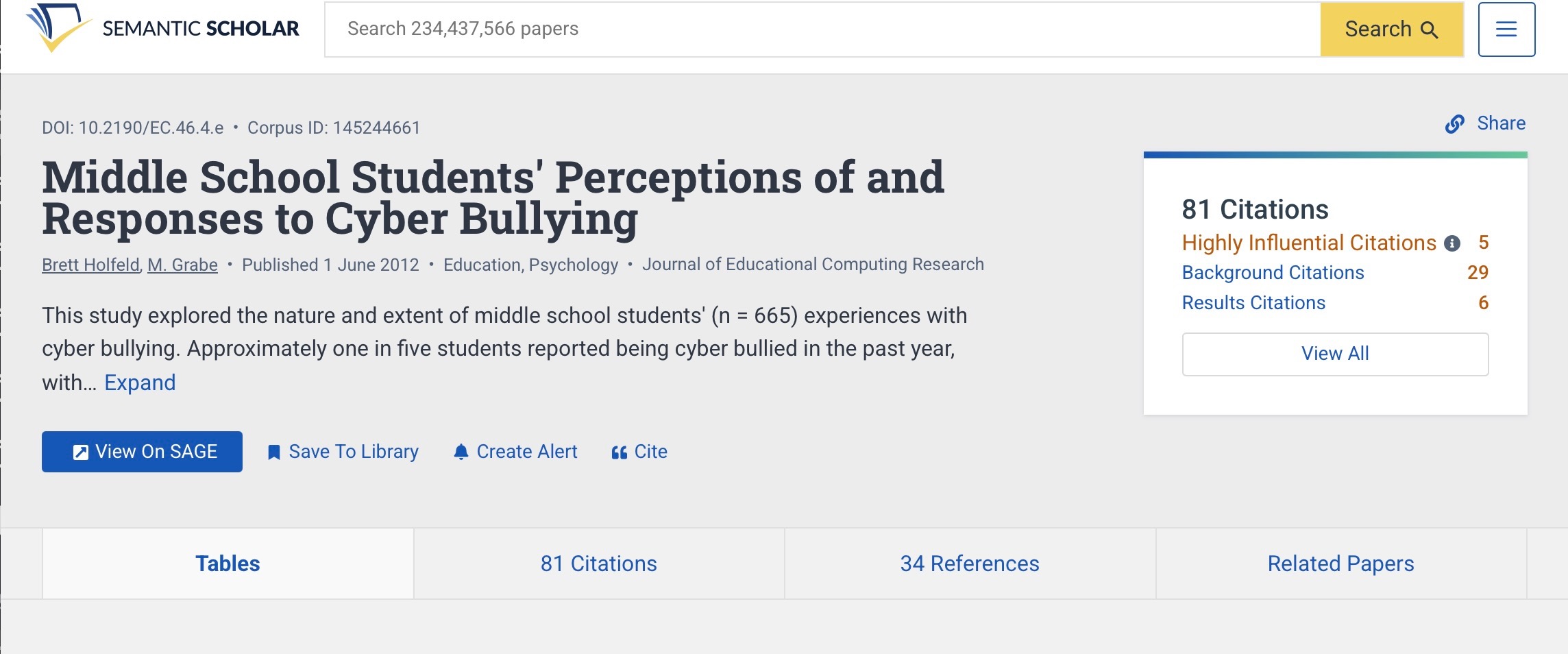
Semantic Scholar provides features similar to Google Scholar (see below), but I have found it less effective in identifying sources I know exist. Given the overlap with Google Scholar, I use this service much less frequently.
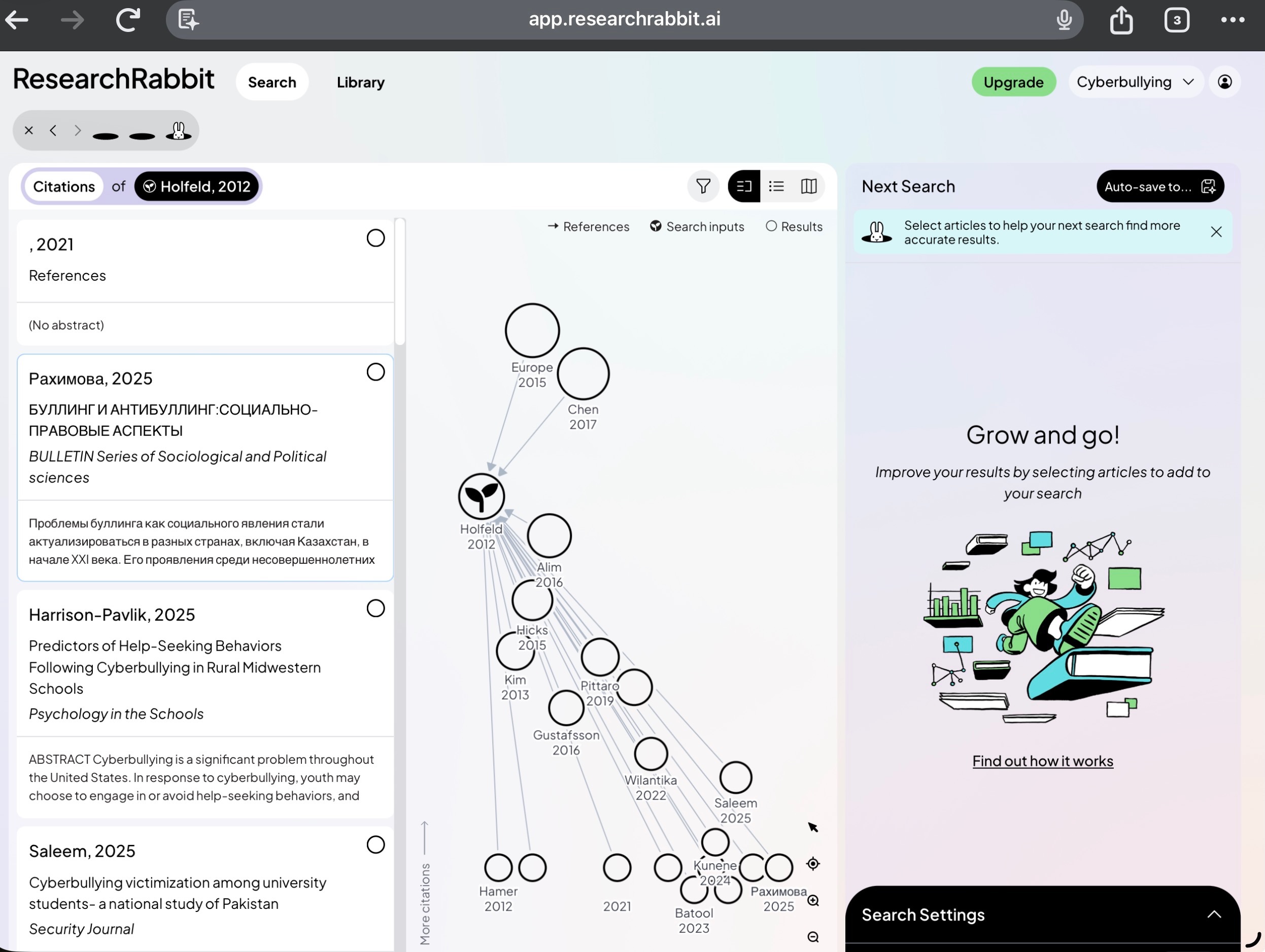
I use Research Rabbit once I have identified a source I find valuable. Research Rabbit will then surface other sources from this entry point and show the citation map of how these sources are connected. This is also somewhat redundant, but the interconnection graphs are interesting.
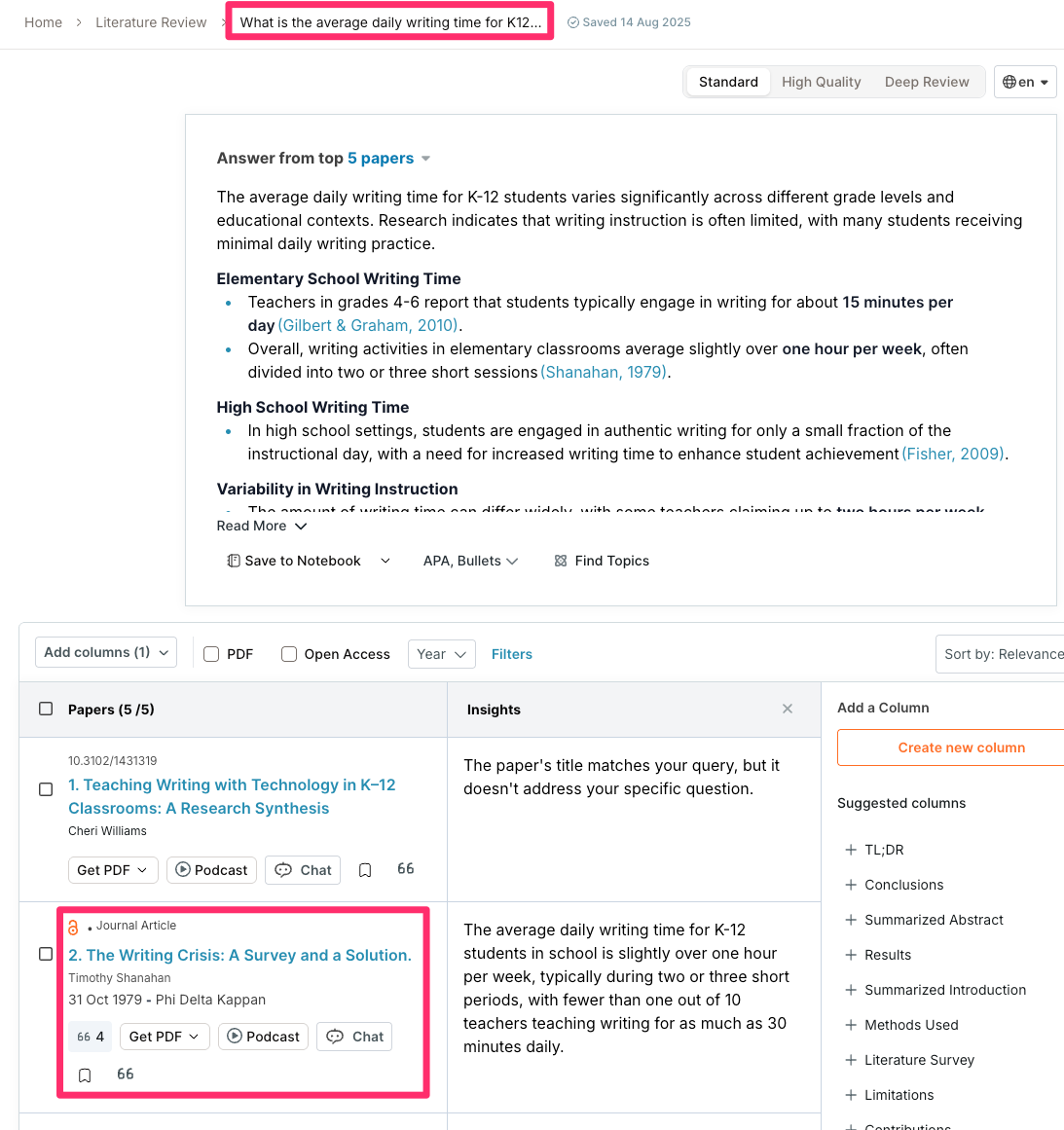
SciSpace is useful for semantic searching and summaries of the contents of papers that are located. It is my impression that it is a hit-and-miss tool for locating documents on paywalled journals and I would not depend on it for this purpose.
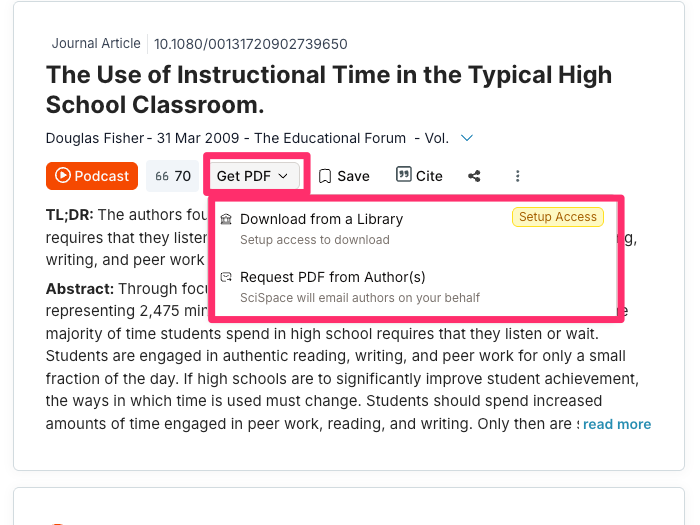
The following sequence of images shows the return from the prompt “What is the average daily writing time for K12 students?”. The tool responds with a summary based on the best sources found and provides access to specific information for the sources it identified. Often, a PDF is not available for paywalled sources, but a citation is available, allowing me to try to find that paper in some cases.
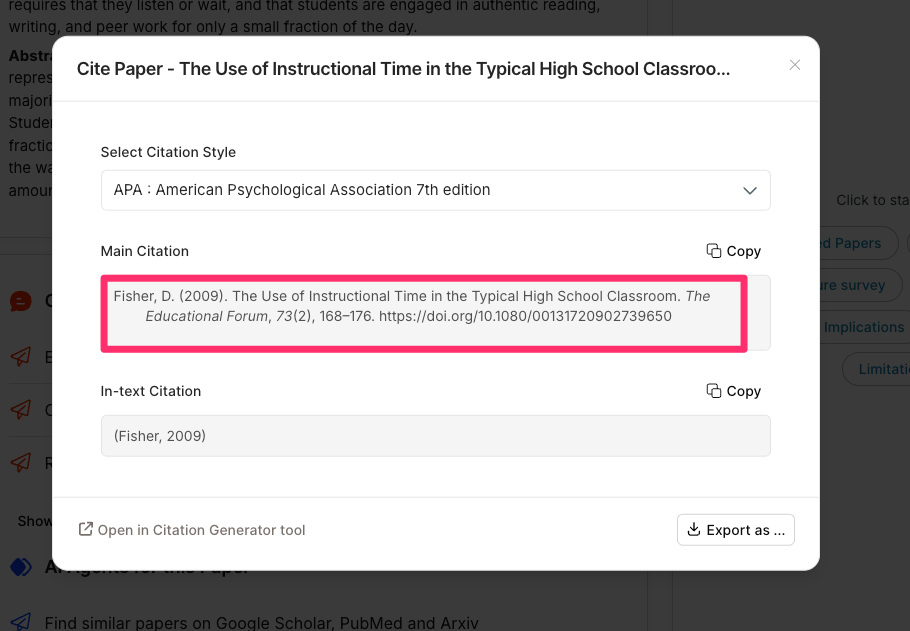
Perplexity can help you find references and surface source links, but it is a general web answer engine, so it is usually not the best choice for systematically searching scholarly journal literature. I do use it to offer insights into how I might address topics for which references are less important.
When access to a journal is not available
When you have identified an article that looks good but is paywalled, there are still things you can try. Scholars may post prepublication versions of papers elsewhere. Just try a traditional search using the title of the article you want.
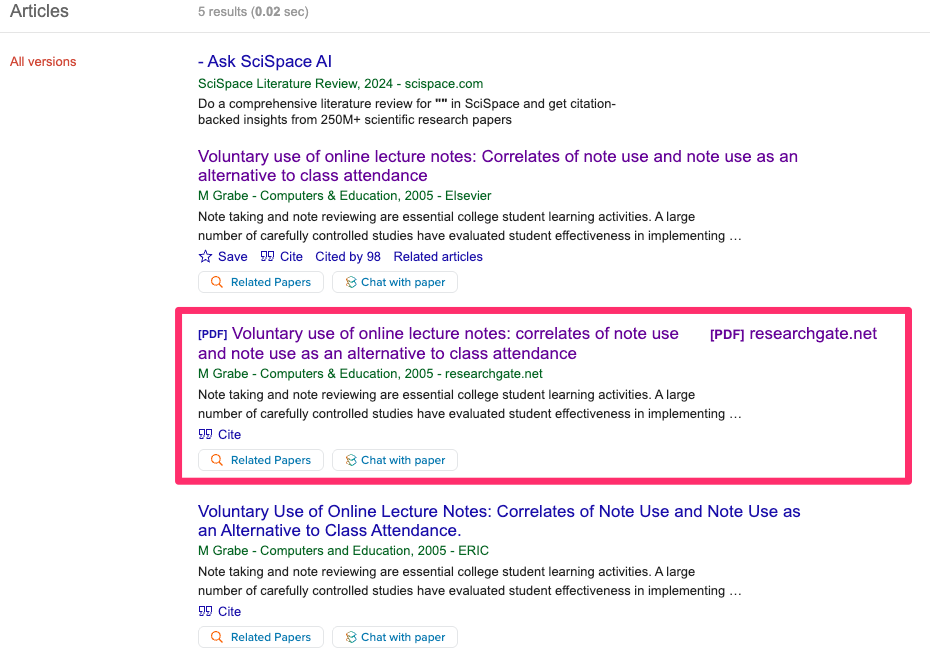
Some official repositories of alternatives can be identified through Google Scholar. After identifying an article of interest, check whether the response indicates there are alternative versions.
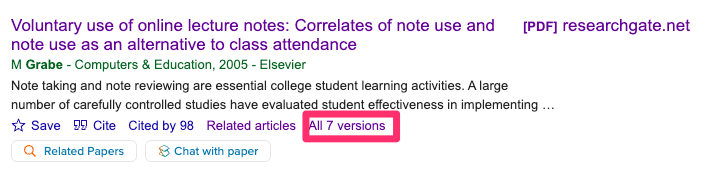
In this case, one of the alternatives (see following image) identifies a secondary source as ResearchGate, and this repository offers a full pdf of the article the journal protects. These are not illegal copies so you do not have to hesitate to make use of this option.
Summary
For my purposes, which involve paywalled content, Google Scholar is usually the best starting point because it is broad and often surfaces publisher pages, institutional copies, and free versions when they exist. It also indexes paywalled articles themselves, so you can still discover the citation even when the full text is inaccessible.
Semantic Scholar is also strong for discovery, but it focuses on open-access options where available and is less oriented toward paywalled content than Google Scholar.
Research Rabbit is very good once you already have one paper or author and want related literature through citation chaining, but it is less of a primary search engine for broad paywalled journal discovery.
SciSpace is useful for semantic searching and paper summaries, but it is better as a literature-review assistant than as the main tool for hunting down paywalled journal records.
Perplexity can help you find references and surface source links, but it is a general web answer engine, so it is usually not the best first choice for systematically searching scholarly journal literature.

You must be logged in to post a comment.