“Before the web did anything, Hypercard did everything” was the subtitle of an Ars Technica article I cited and liked in 2019. I use it here to celebrate the life of Apple software genius Bill Atkinson following his recent passing. HyperCard played a significant role in my academic career, and while I have written about the personal connections in the past, one more mention seems appropriate. Hypercard, often called a software erector set, was innovative and accurately foretold many future innovations we now take for granted.
Among the unique features were:
- Hypertext/hypermedia
- Object-oriented programming
- Low bar / high ceiling software
I will attempt to call attention to these features as I offer a brief description. I spent hundreds of hours developing educational applications in Hypercard and would love to display some screen captures of my work. Unfortunately, Apple last updated HyperCard in 1998. I do have some old discs with my original work, but neither an appropriate drive nor an Apple operating system suited to run HyperCard. For a few images, I used my phone to capture from a textbook I wrote with my wife in 1996. One more comment. While I did work on HyperCard stacks for hundreds of hours, that was 25 or so years ago, so I may be fuzzy on some of the details.
The analogy – a stack of cards
Card, field, button
HyperCard was based on a hierarchy of objects. The most basic and encompassing element is a stack. A stack is made up of cards. Each card has a background and a foreground to which the user could add elements, such as text, images, text boxes, and buttons. The difference between the background and foreground was important when a card was duplicated. Typically, cards were intended to look the same with only key elements changing (e.g., a unique image, text information). Rather than create each card from scratch, it was possible to duplicate a card to retain the background and then add the unique features.
The following image shows a card from a series of cards built to provide information about the birds most commonly found in North Dakota. There are several text fields and buttons that would be common across all cards, and a unique image and descriptive text for each species. HyperCard, in this case, was used as a type of database.

Adding Action – Hypertalk was the language of HyperCard
Nearly anything done with HyperCard, e.g., opening a stack, clicking on a button, generated what was called an event. Events had no consequence unless there was a handler available appropriate to that event. A handler was pretty much a segment of code that would be executed when the relevant event was encountered. So, for example, mouseUp would respond to a mouse click.
On mouseUp
go next
End mouseUp
This handler added to a button would advance the card from a stack that was visible to the next card.
A unique feature of HyperCard, consistent with the philosophy of low bar, high ceiling, was that HyperCard would write many of the basic event handlers for you. You could do many things without coding, but also use the powerful scripting language, hypertalk, to do much more.
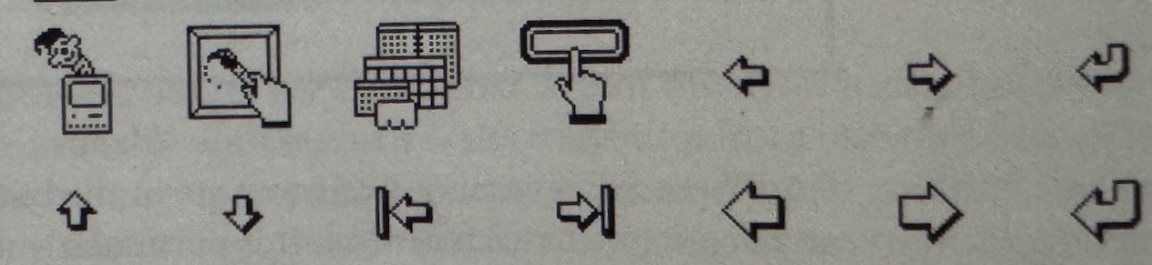
HyperCard came with a large assortment of symbols many appropriate as buttons (first image). However, when added to a card, the symbols were inert unless scripted. It was easy to find and add a button to a card, but then HyperCard was willing to help make the button do something (Button actions 1 and 2). The process here was to select an icon from button choices and then select the desired action.
Some of the button choices
Button Actions 1

Button Actions 2
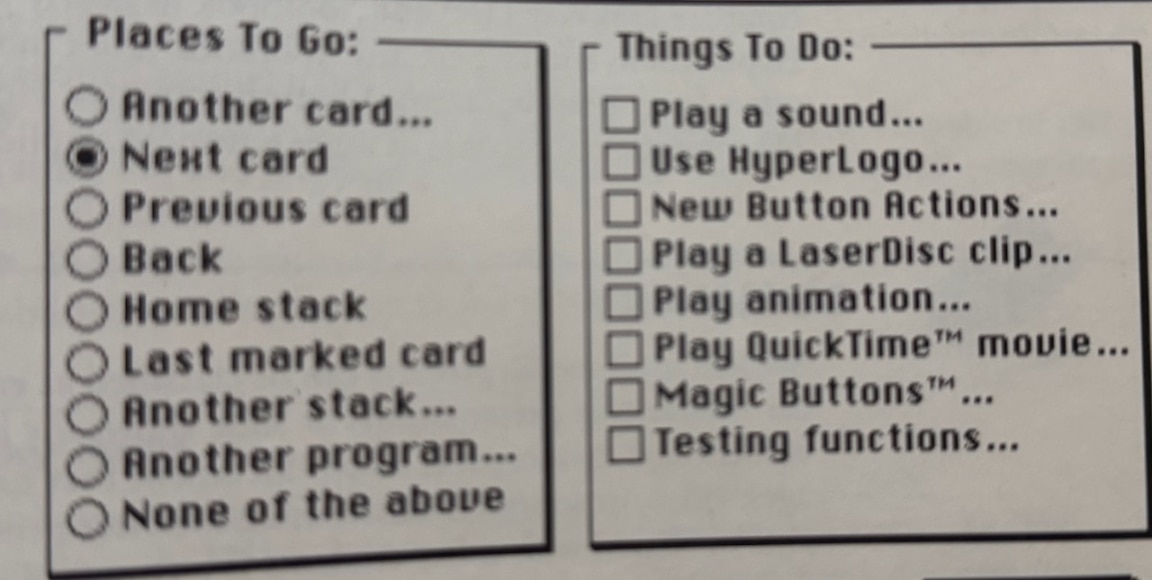
If you opened the script for the button created in this fashion, you would see the script I included above as an example. Of course, once you learned hypertalk, the scripting language, you could just input this script from the keyboard.
Scripts could be added to most HyperCard objects and created actions originating from the object to which the script was attached. There was no single program, but rather a collection of programs associated with the various objects from which a stack was assembled (object-oriented programming). Events associated with one object (say a card) might trigger a handler somewhere else, where it would make more sense. I think of this as an event looking for a home. If an event does not find a handler on the object that generated the event, it falls through the HyperCard hierarchy to the next level. Because so many actions generate an event, every mouse click, opening of a card, opening the stack, etc., many do not find a handler and nothing happens. If you forget to assign a “go to the next card script” to a MouseUp associated with a button, nothing happens.

I have tried to find an old online manual that might provide a complete exposure to HyperTalk without luck. This description of hypertalk from Wikipedia includes sufficient samples of scripts to offer a way to consider just how powerful the language could be.
What I did with HyperCard
I used HyperCard for a variety of things. Here are a couple of examples.
The North Dakota Wild clipart collection
I used my tech skills outside of my role as a college professor. I had an interest in technology applications in science education and was interested in project-based learning. North Dakota Game and Fish had a program called OWLS (outdoor wildlife learning sites) and gave small grants to schools to support the development of small sections of land (think native plant gardens) associated with schools. I became involved in attempting to create activities and develop the sharing of project ideas between schools using technology. One of the projects involved the creation of HyperCard stacks of North Dakota Wildlife. The image used here was from the Bird stack. The idea was to provide students with images that the students could use in their own creations. The entire collection of images is still available from my server. Again, to imagine how this resource might be used, you have to put yourself back in time more than 20 years.
Technology Enhanced Study
Much of my academic research concerned study effectiveness, and I was particularly interested in large lecture, introductory, college courses. The freshman lecture course represents an interesting case. It places the least experienced students in a setting that is the most impersonal and most isolating of their college experience – heavy reading loads, long lectures, and the expectation that you process the inputs without guidance to take high-consequence exams that are likely unlike those you took in high school. My interest was in helping student identify their areas of weakness as they studied and providing an efficient way to address any weaknesses identified. You don’t need to review the entire chapter again. Study the poorly understood sections or ask a colleague for assistance with the topics you don’t understand. Don’t just mindlessly go over the same material again and again.
The course I had in mind was the Introduction to Psychology. I had access to the test item database provided by the textbook company (approximately 200 MC questions for each chapter). The items from the test bank included associated page numbers from the book and what I would call topics (maybe 20-25 for each chapter). Topics were simply identified by number and designated a group of questions addressing the same topic and section of the chapter. These questions provided the basis for the digital study environment I provided to students. Half of the questions for each chapter were used in the study tool, and the other half were reserved for possible use on examinations
The HyperCard study tool took me most of three months during a sabbatical to write. A study experience from the perspective of a student would work like this. Opening the stack on a Mac would offer the student the option of working on one of several chapters (usually 1-4) covered on the next examination. Once selected, Hypercard would display a randomly selected multiple-choice item from that chapter. The student would respond and the computer would then indicate whether the response was correct, and if not, the page numbers in the textbook associated with that question. The idea was that the student could use their textbook to review the page or so associated with that question and possibly take a note in their notebook or highlight the textbook. If the response was incorrect, the stack would then select another item at random from the other items with the same topic number. This would not guarantee a direct test of their understanding of a specific issue they found difficult, but at least would address the same topic. If correct, the system would select another topic at random from the chapter. As the student worked, the stack recorded the date and time of each response and whether the response was correct or incorrect. Aside from general performance, the data allowed consideration of when during the interval between examinations the student used the system (was the student cramming or studying systematically) and the time delay between questions. The delay following incorrect responses was regarded as particularly important because longer median delays were assumed to indicate targeted rereading, notetaking, or some other form of reflection. Students who showed little difference following correct and incorrect responses were using the system in a more passive manner, possibly assuming that responding to the questions alone was beneficial.
The process of preparing the HyperCard study tool was augmented by other Hypercard programs that would take a flat file of questions and create the full study tool by creating the study tool card by card adding a card for each line of text from the flat file representing one question. A procedure built into the Study Tool stack also exported data and added an identifier for the student who had used that specific stack.
Making this system work also required some concessions. Many students were not assumed to have their own Macintosh computer, and for research to be meaningful, access to the tool had to be standardized. At the beginning of each course segment, I took trays containing 200 disks to the reserve desk of the library. The library had a Mac lab always available to students. The disks were assigned an identification number with each student assigned their own disk that had a unique bar code so the disks were checked out in the same manner as other material made available for a specific course. After each exam, I would collect the disks, dump the data for analysis, and prepare the same disks with the questions appropriate to the next examination.
Readers who are familiar with such topics as comprehension monitoring, retrieval practice (testing effect), and distributed versus massed practice should be able to identify the theoretical bases for the tool and how I intended it to be used. What may not surprise educators is the finding that study opportunities are typically designed to address recognized study challenges, yet when released into the wild, students do not use them as intended. The tool was great for investigating actual student study behavior, but the benefits assumed are more difficult to generate than one might think. Capable students not really needing support flocked to the study tool. They used it more frequently and as intended. When answering questions incorrectly, their post-question delays were longer, indicating they were engaged in some effort to act on this awareness. This is not to say that students who were more likely to need help received no benefit, but the difference in who used the system and who used it most appropriately was one of the more challenging findings.
Eventually, I moved on from HyperCard to create online versions of a technology-enabled study environment using a small server, PHP, and MySQL. Students could work from their dorm rooms or any location with Internet access using their own equipment and any browser. My interest in actual student study behavior was more authentic when it did not require a trip to the library. Still, HyperCard was a way to get started and provided a sophisticated, user-friendly experience. For anyone who finds this type of research to be interesting, my published studies based on the study environments can be picked from the list of my publications provided by Google Scholar.
One final Bill Atkinson product
When Bill retired, he began working on one final vision. He lamented the total focus on online image collections and wondered what physical objects would remain to save personal memories. His passion project resulted in PhotoCard was a tool for creating personal postcards. These cards could be sent using the Internet, but Bill really wanted you to pay a small fee to have him print cards you created and he would send them for you.
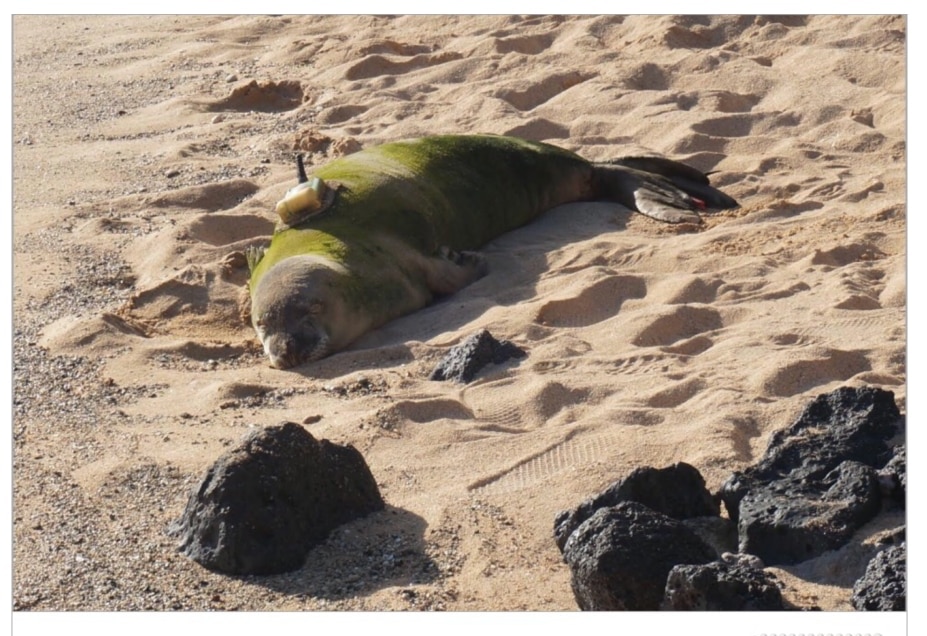
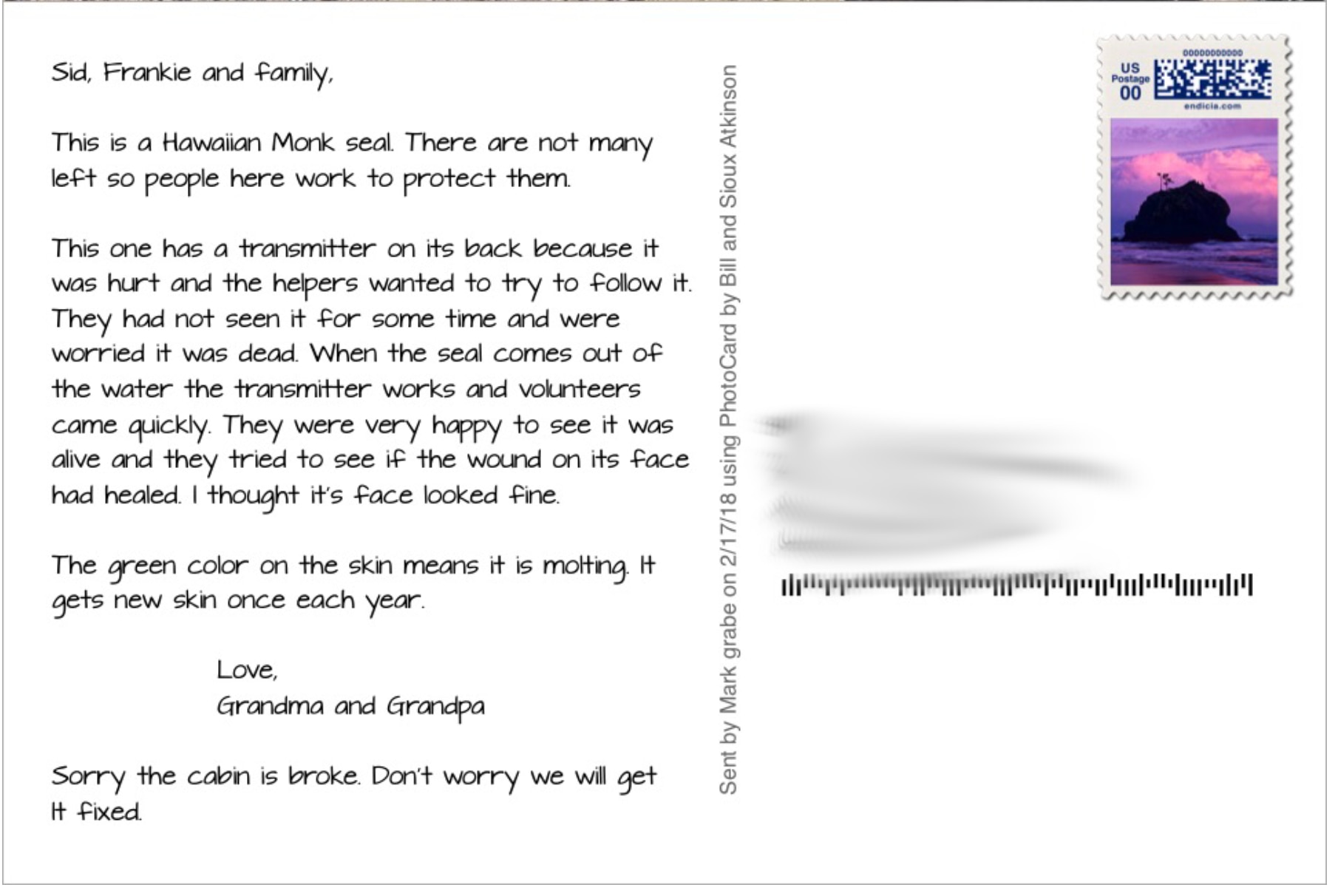
I corresponded with Bill about PhotoCard and explained I had been a fan since HyperCard. I ended up with this mental image of him personally printing these postcards on his high-quality printer and making the effort to make small adjustments to get things just right. Then, he would head off with a box of these cards to mail them at the post office. This was not about the money as seemed his general approach. This was about making great things that people would use.
Bill Atkinson will always be one of my technology heroes.
